



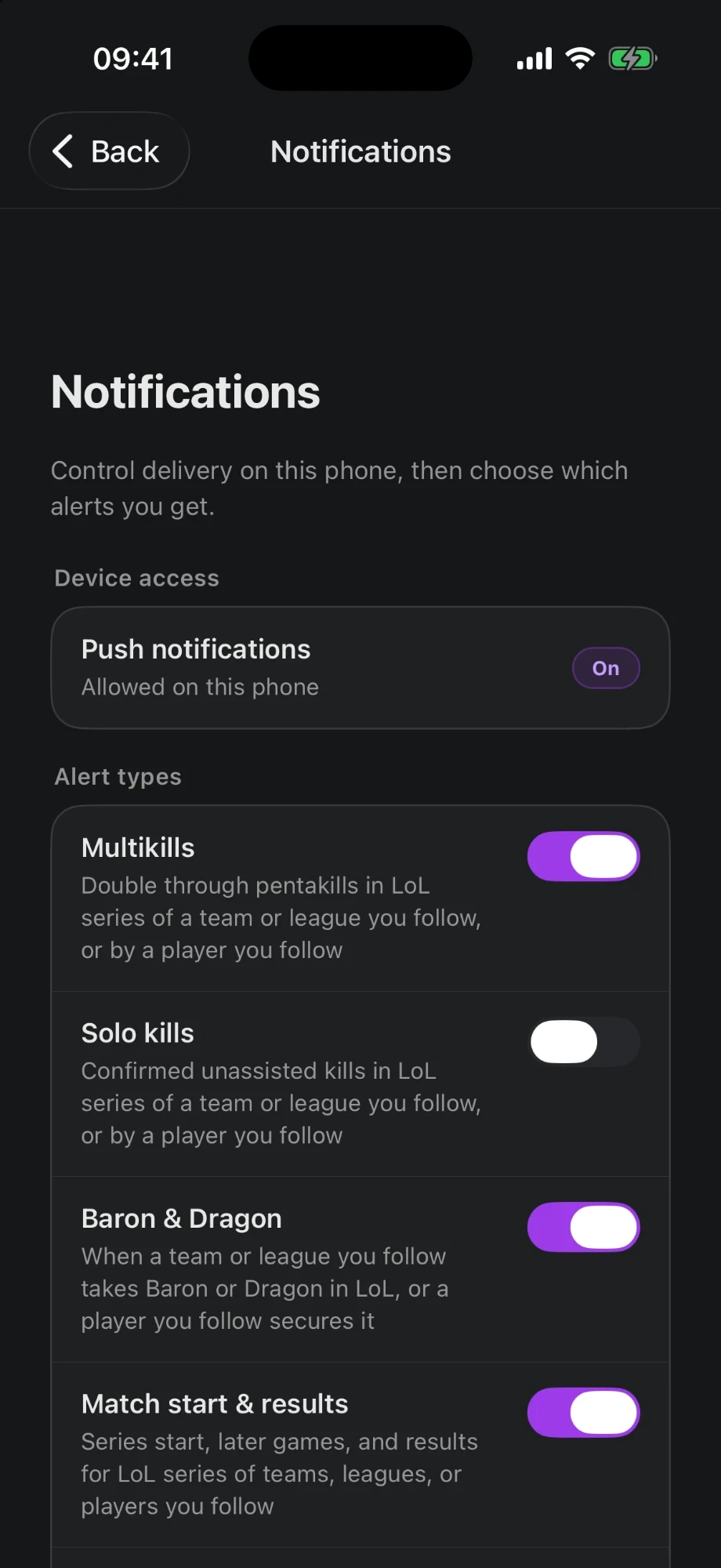
Choose your alerts.
- Match start
- Results
- Multikills
- Solo kills
- Objectives
- New articles
iOS & Android
Follow live LoL matches, compare player performances, and read transfer news and interviews from the Sheep newsroom.

League of Legends
Check the schedule, follow the match live and explore each game's statistics.
Before the match
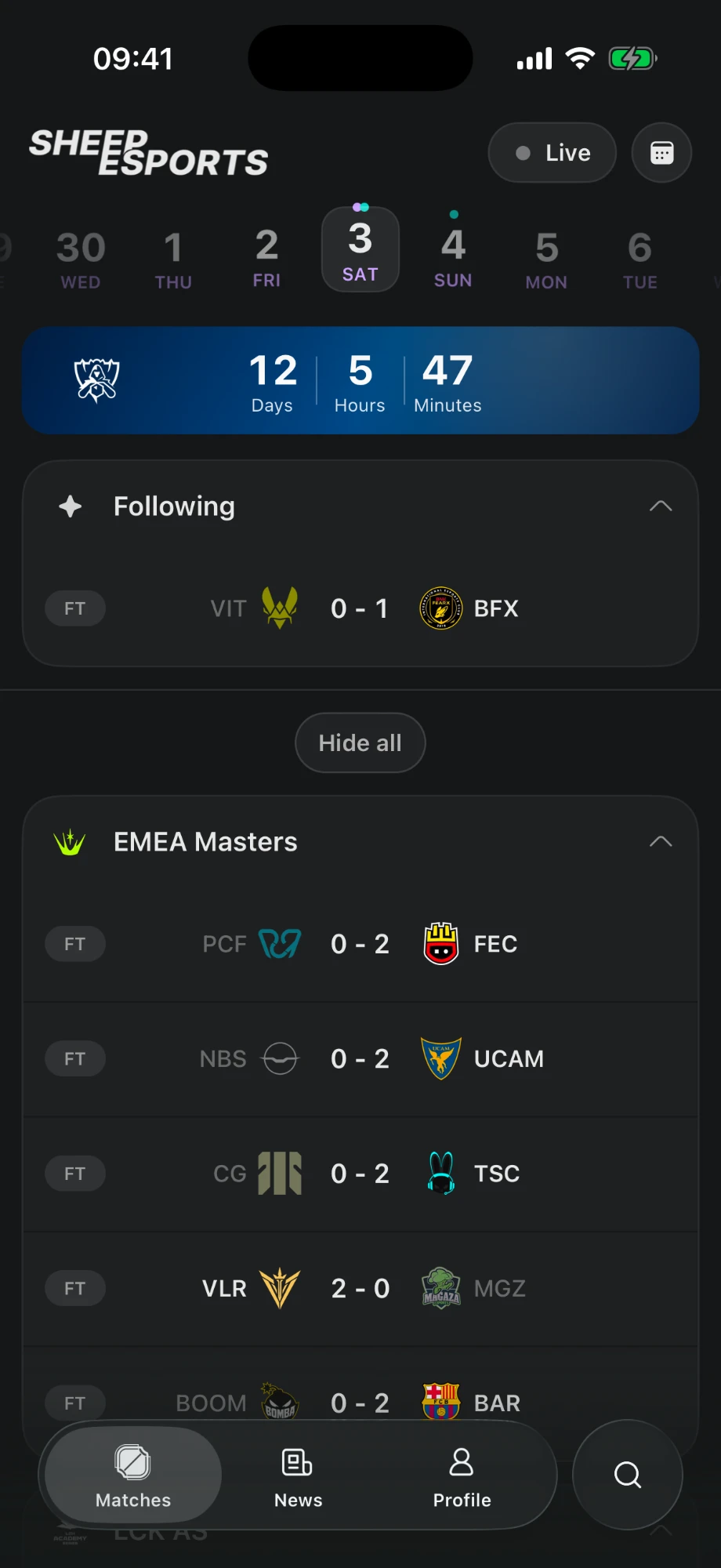
Check the LoL calendar, find your teams' matches and catch up on the latest results.
View the LoL calendar on Sheep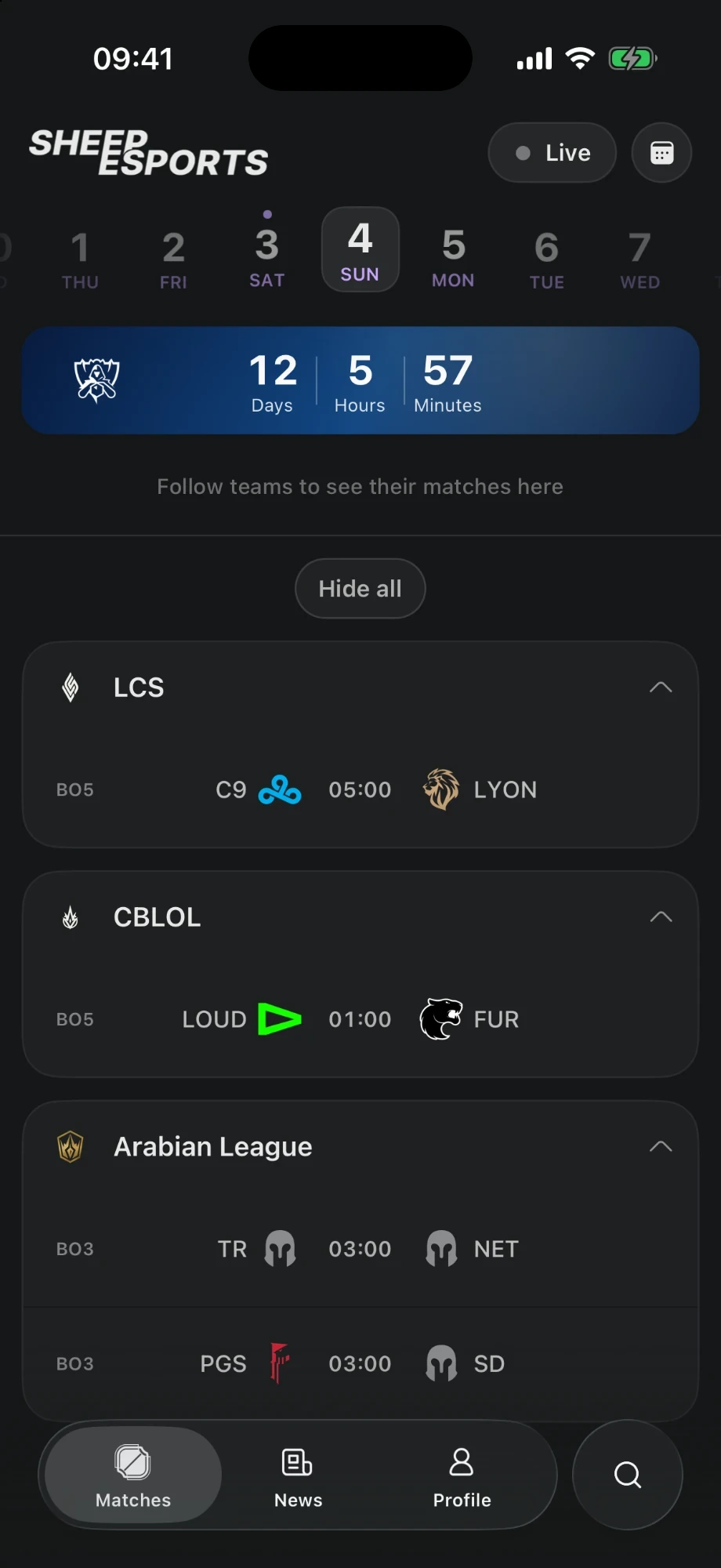
During the match
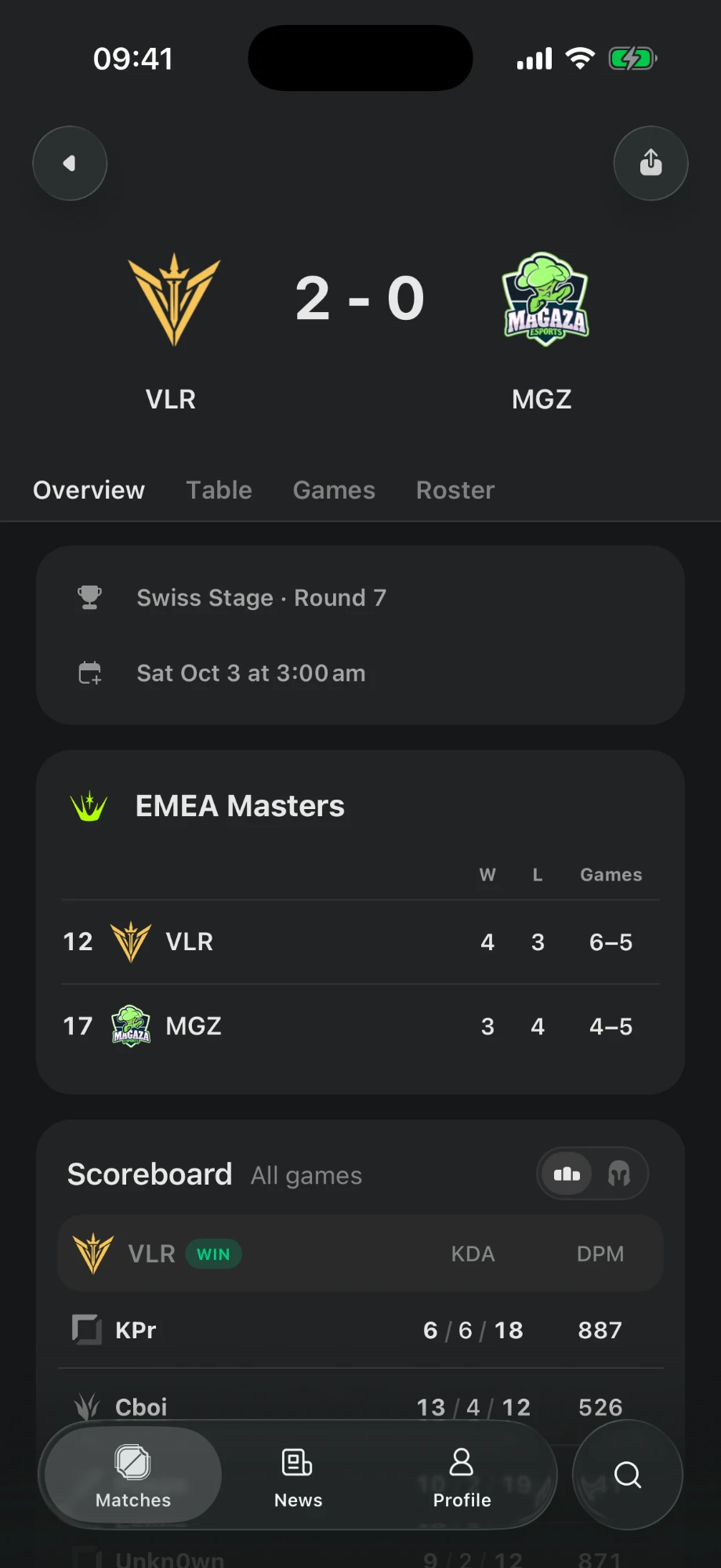
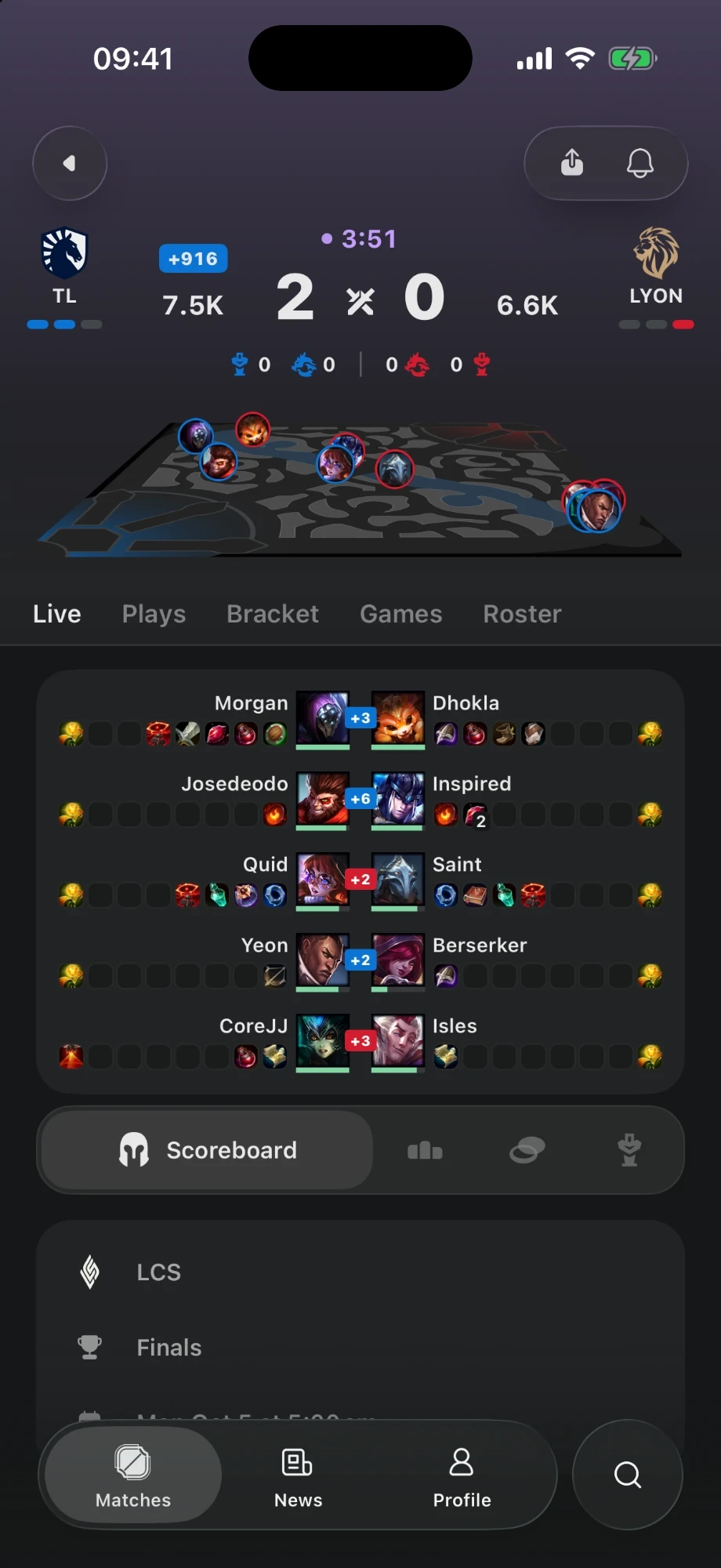
Check the series score and, depending on coverage, follow kills, objectives and changes in gold during the game.
After the match
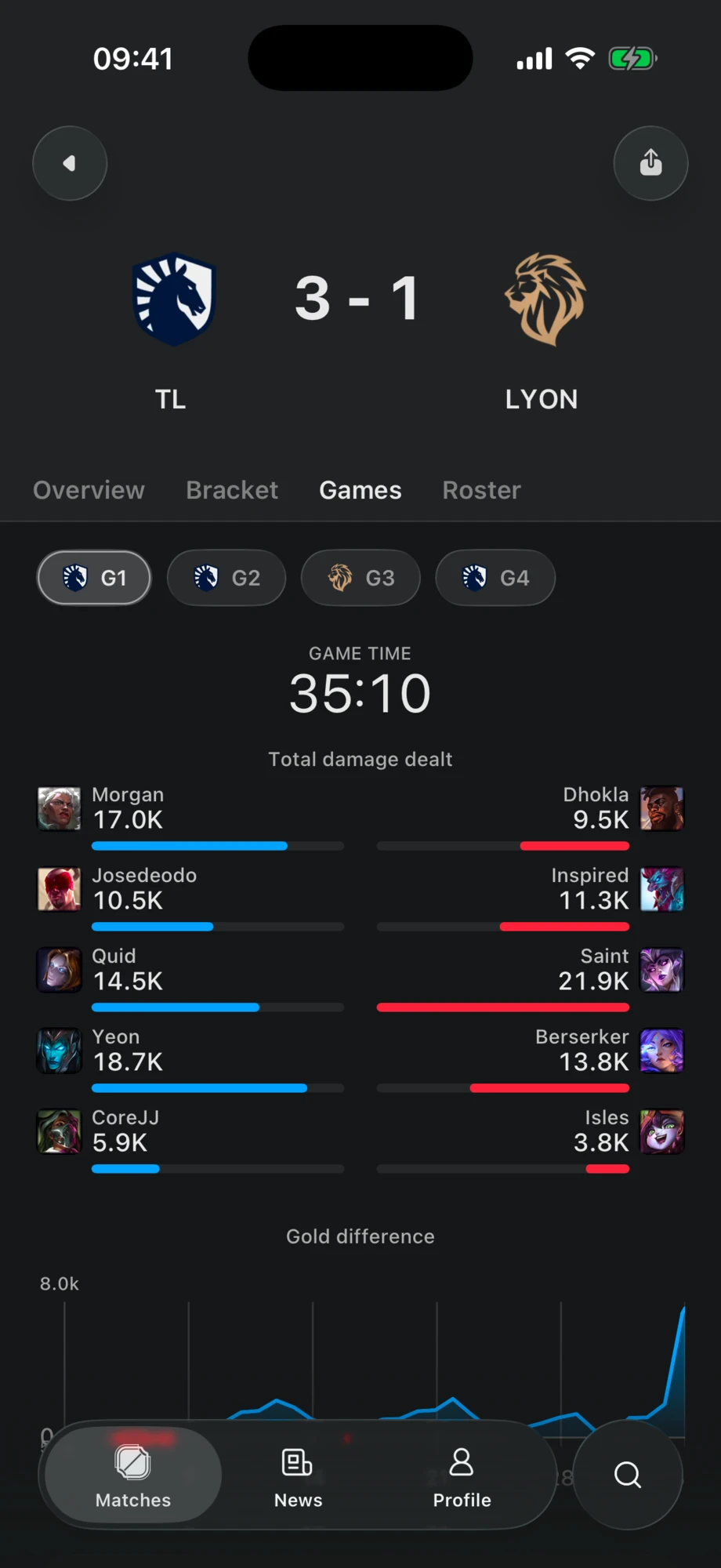
Check damage per player, gold differences and statistics for each game to look back at both teams' performances.
Live Activities
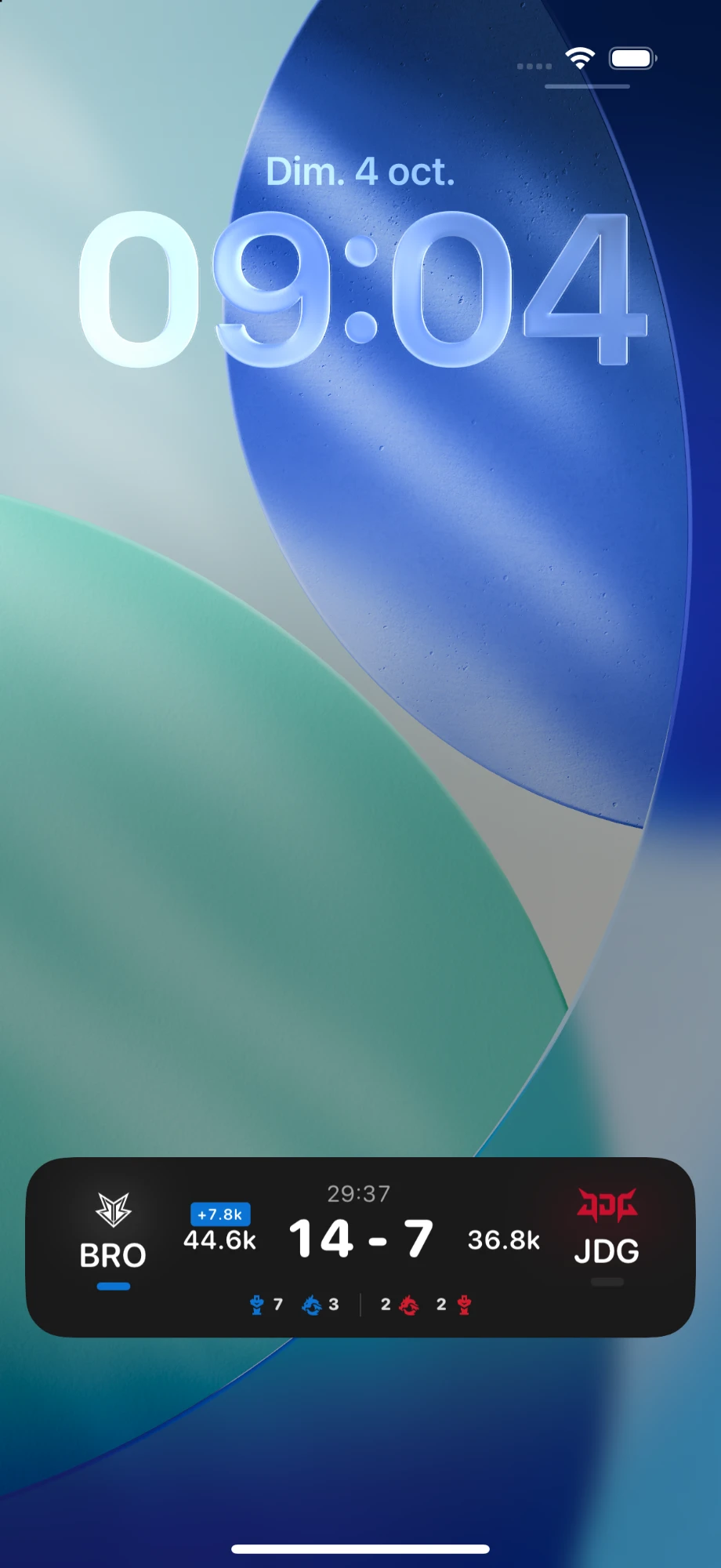
Tap the bell on a match to follow its score on your iPhone Lock Screen or in a notification on Android.
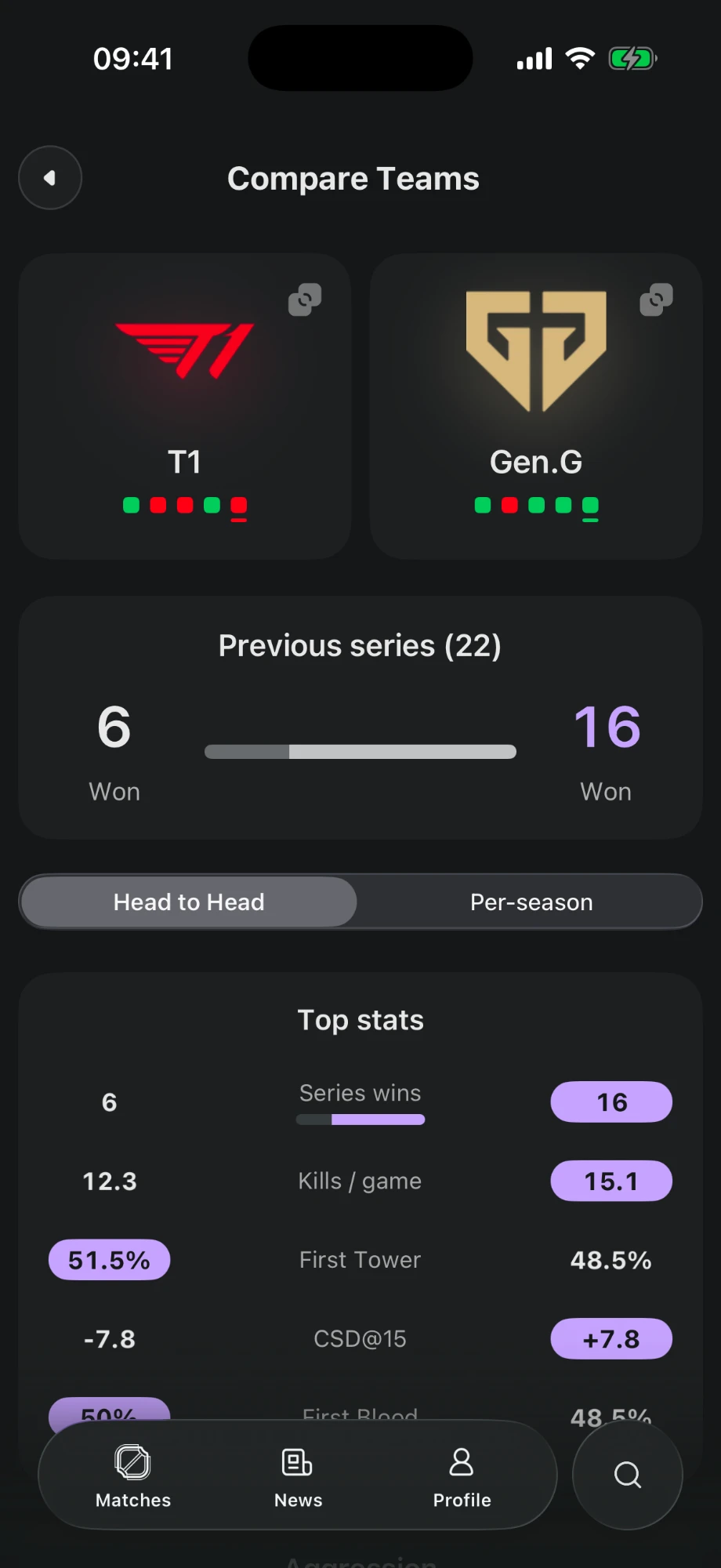
Explore their profiles, results and statistics. Compare their head-to-head records or their performances by season.
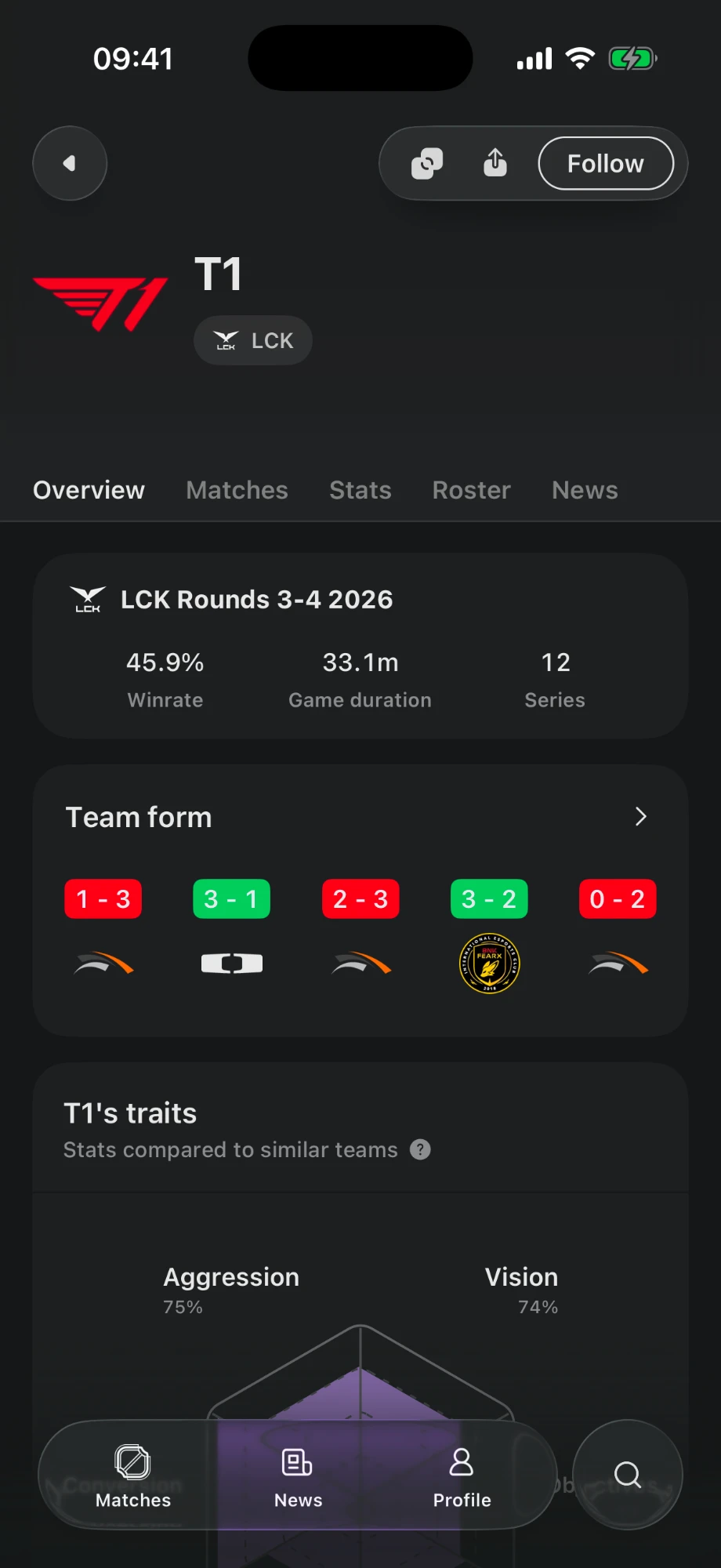
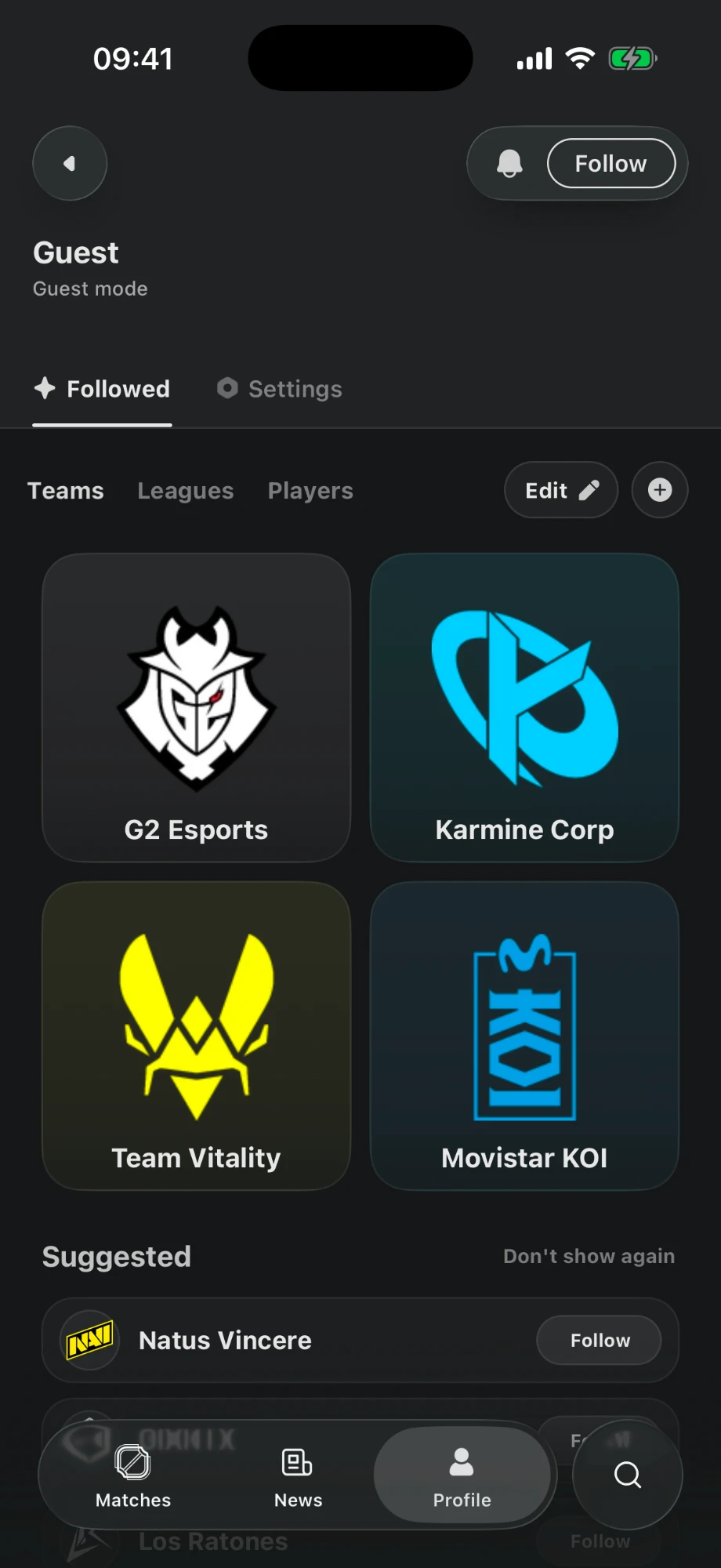
Follow teams, leagues and players to find their pages in your profile. Matches involving your followed teams are grouped in the calendar.
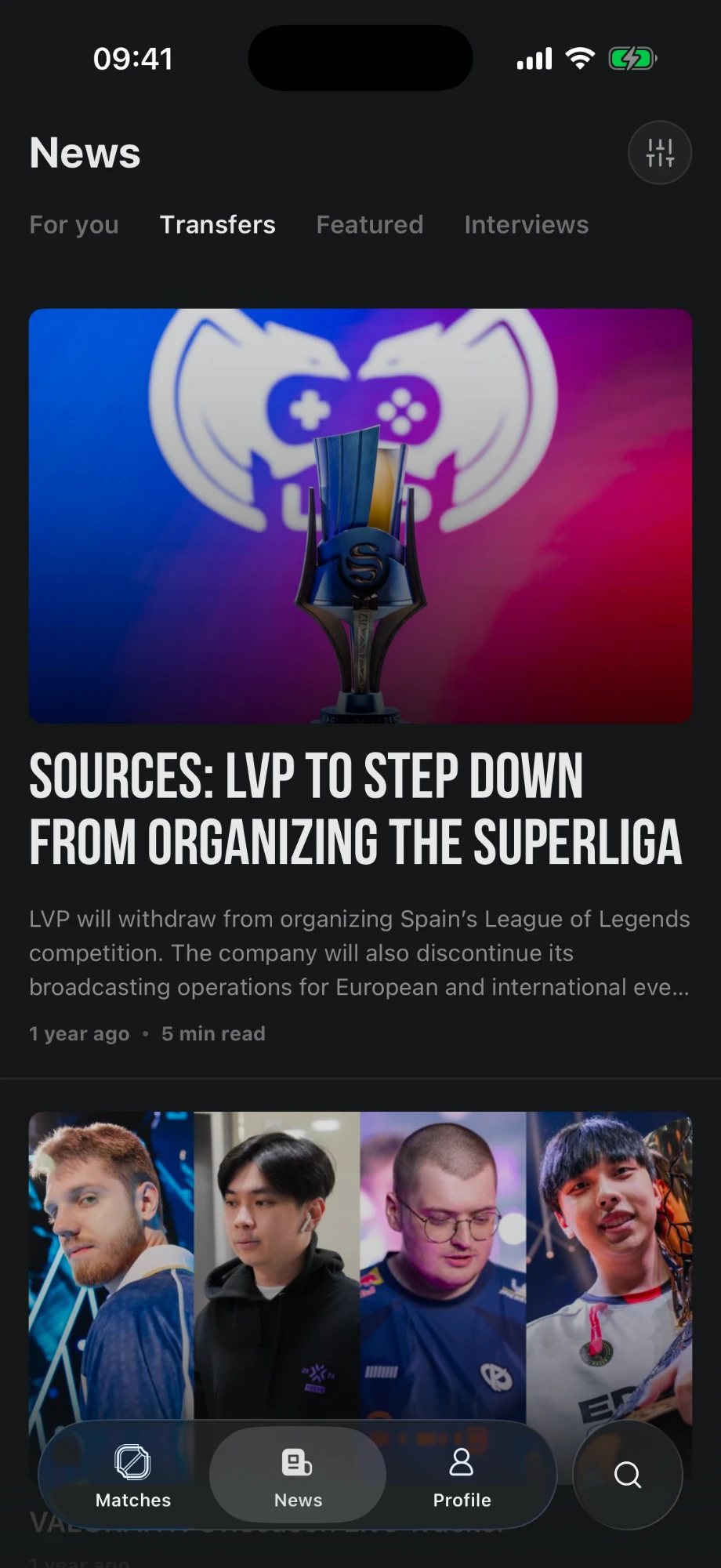
Read transfer news, interviews and articles from the Sheep Esports newsroom directly in the app.
Read the latest news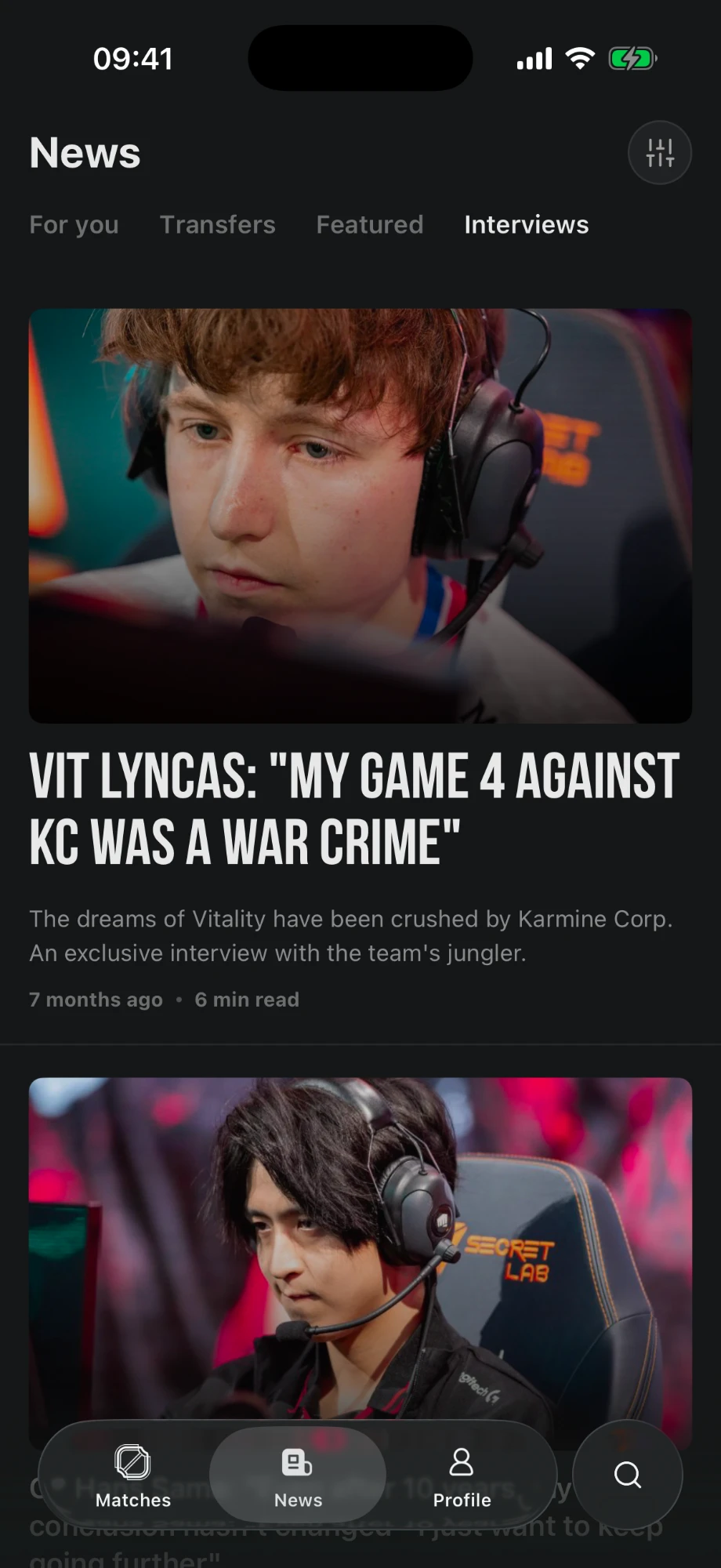
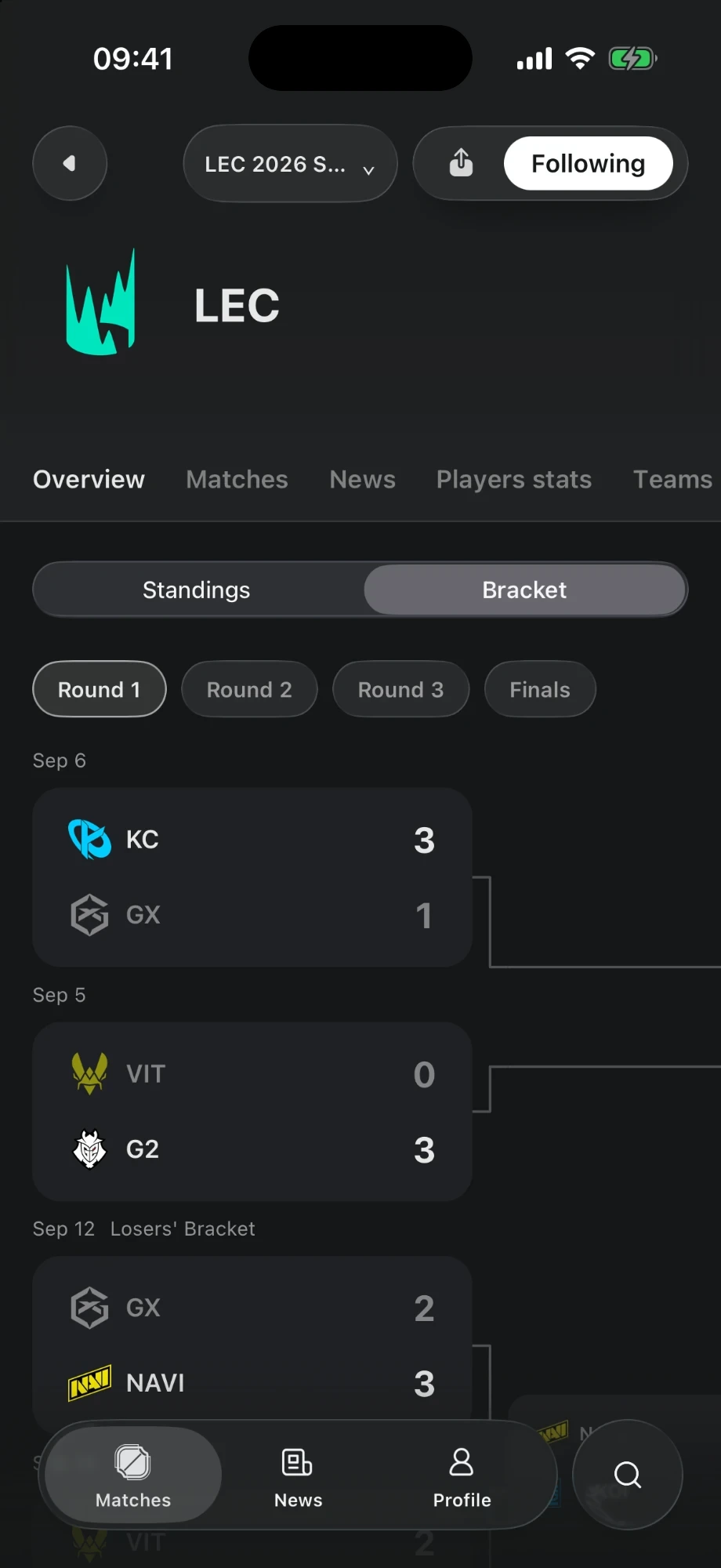
Check schedules, standings and brackets, then explore player and team statistics for the tournament.
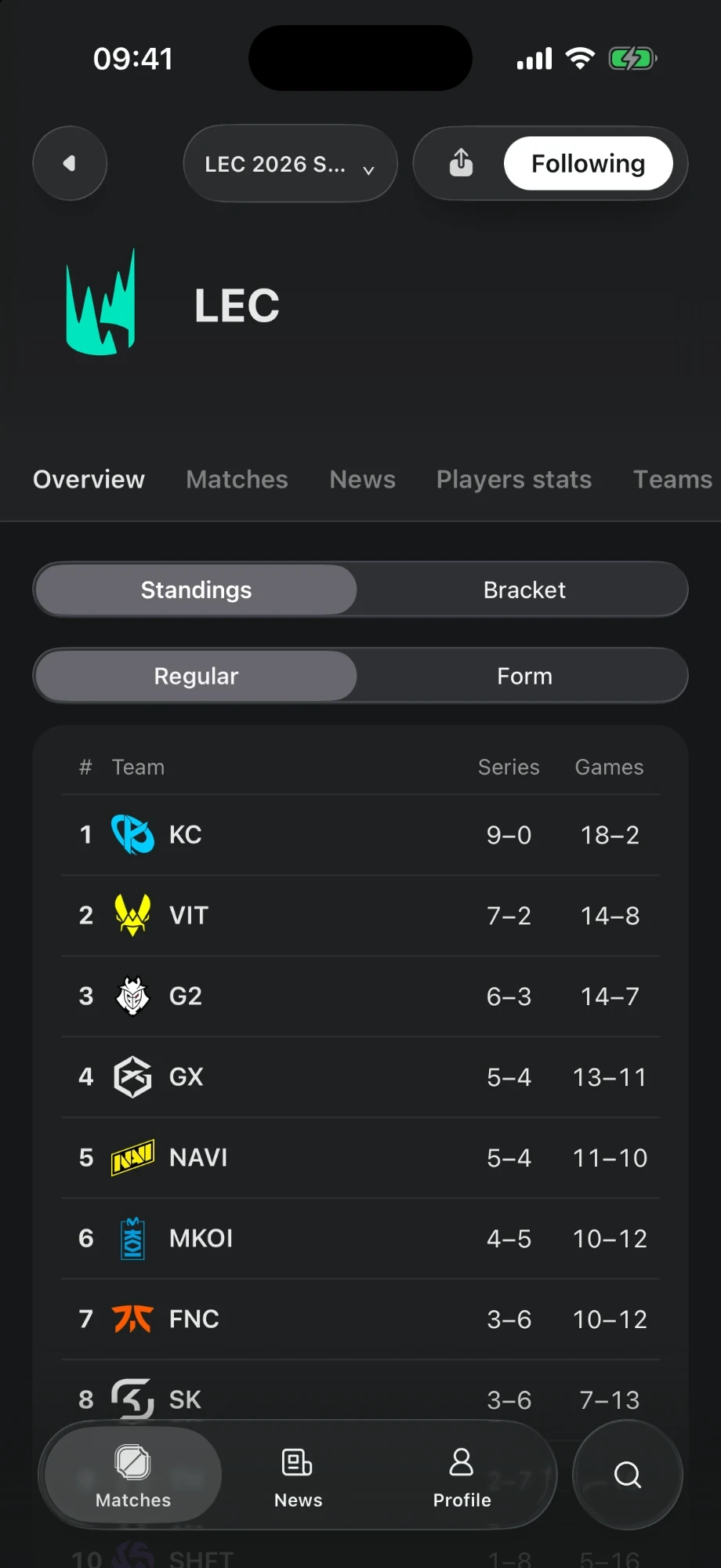
Live LoL matches and results, player and team profiles, comparisons, competition standings and brackets, plus esports news, transfer reporting and interviews from Sheep.
Following a team adds it to your profile and groups its matches in the calendar. To track a match outside the app, activate the bell on that match separately.
Open an eligible match and tap the bell to start following it on your phone. On iPhone, the score appears in a Live Activity; on Android, it appears in a match notification. Tap the bell again to stop following.
Available data varies by competition and match. Detailed statistics appear when that data is available.
Yes. News and the match calendar remain available on sheepesports.com. The app also lets you access them on your phone.
Download the app on iPhone or Android.